
Log hours worked, link them to projects, team members and tasks, and stay on top of productivity, costs and job costing.
Log hours per team member.
Directly linked to projects.
Clear hour overviews.
Compare budgeted and actual.
Log hours quickly and clearly from your projects.
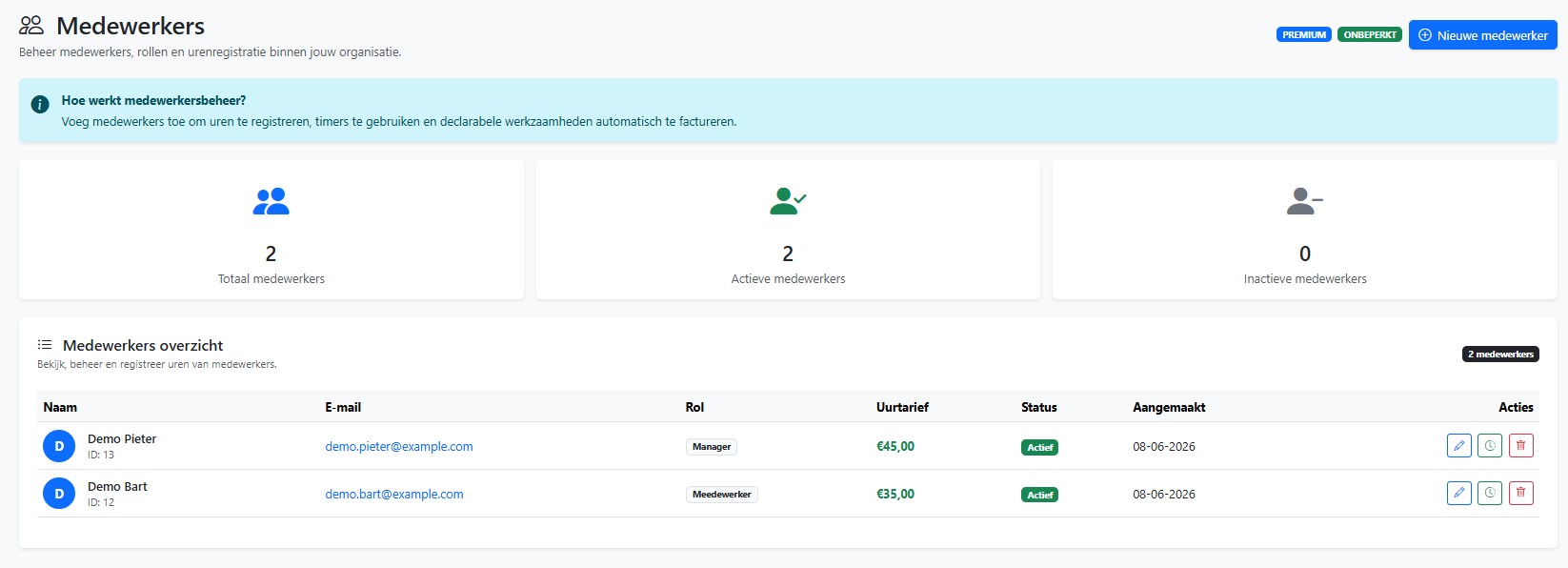
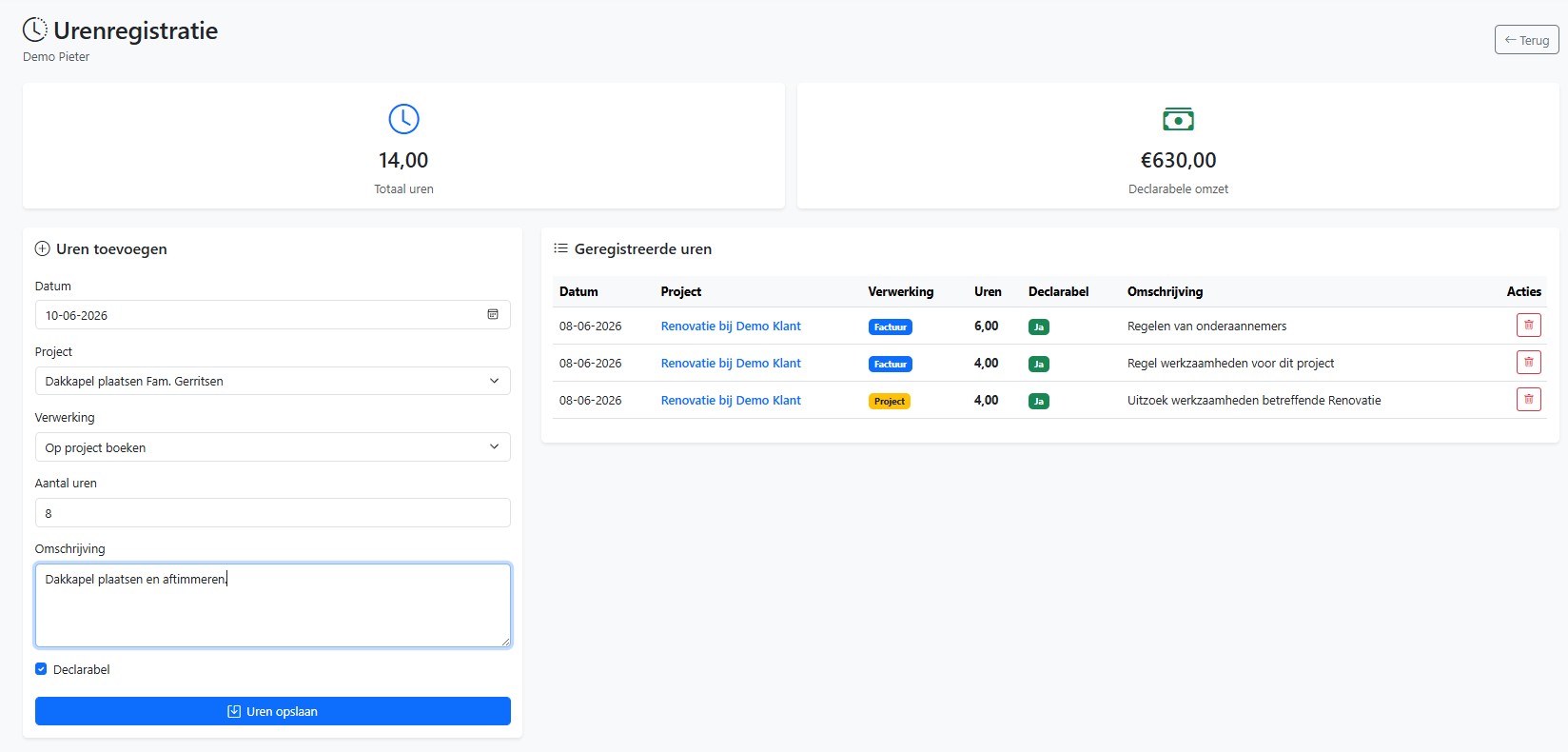
All logged hours are automatically linked to the correct project. This gives you instant insight into actual hours compared to the budget.
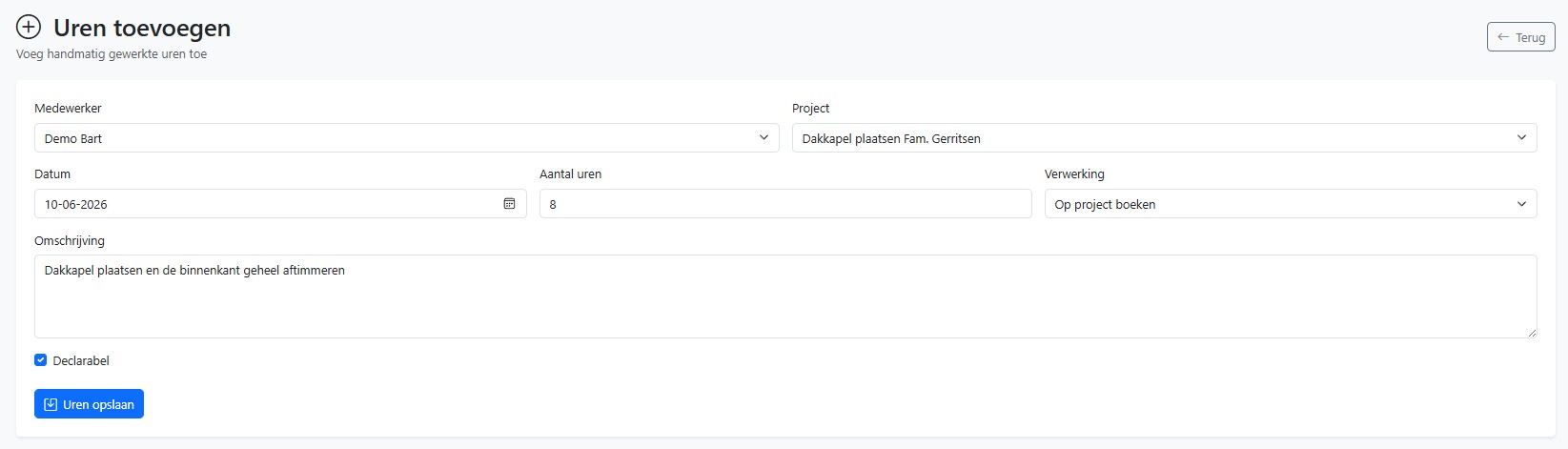
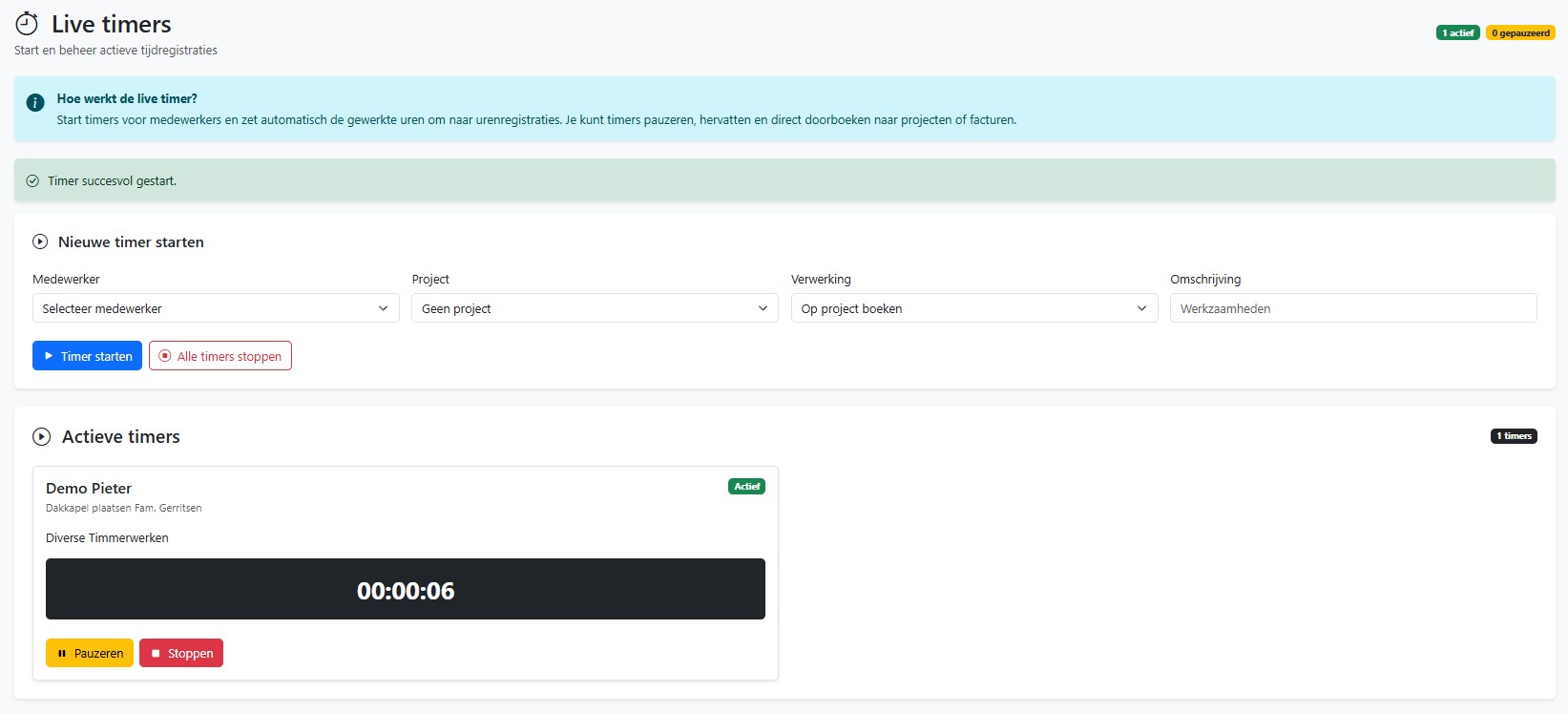
View hours per team member, project or period and adjust in time when projects take more time than planned.
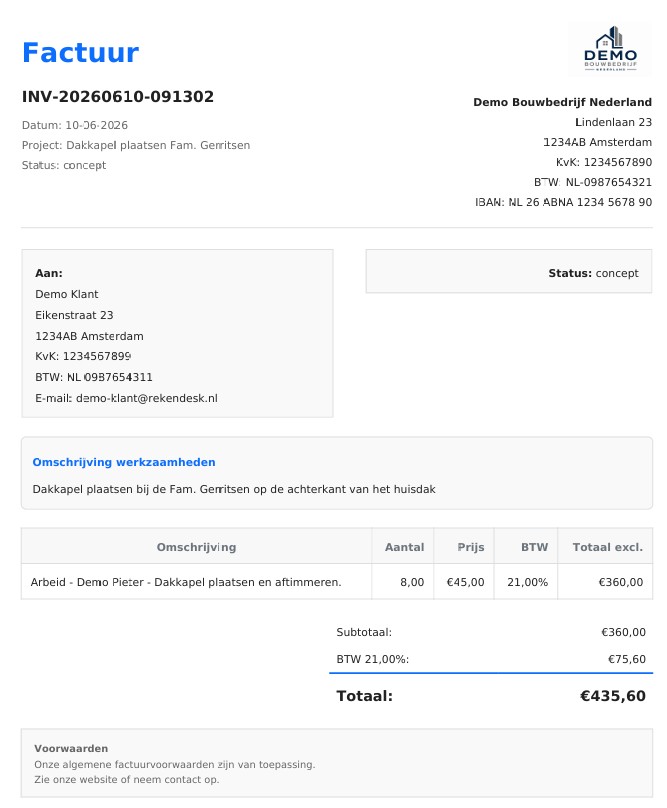
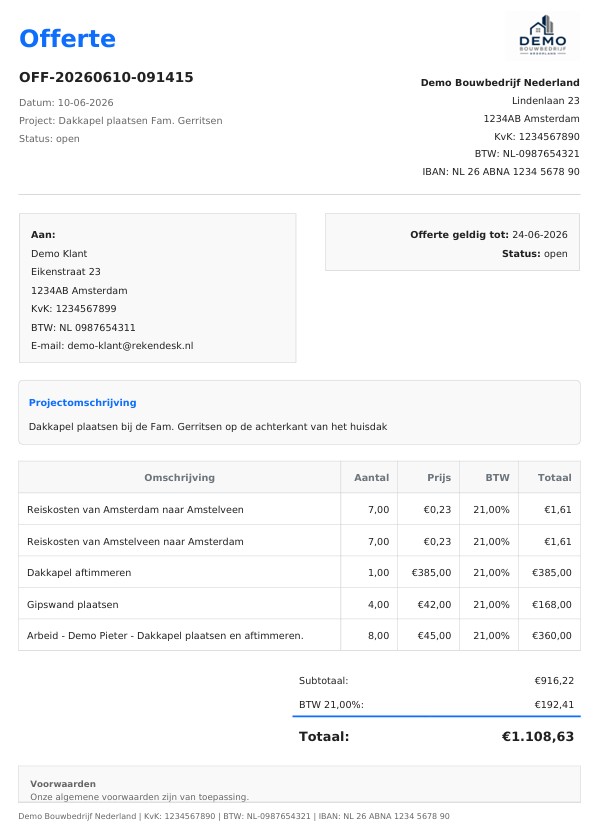
Compare budgeted hours with actual hours and instantly discover which projects are profitable and where improvements are possible.
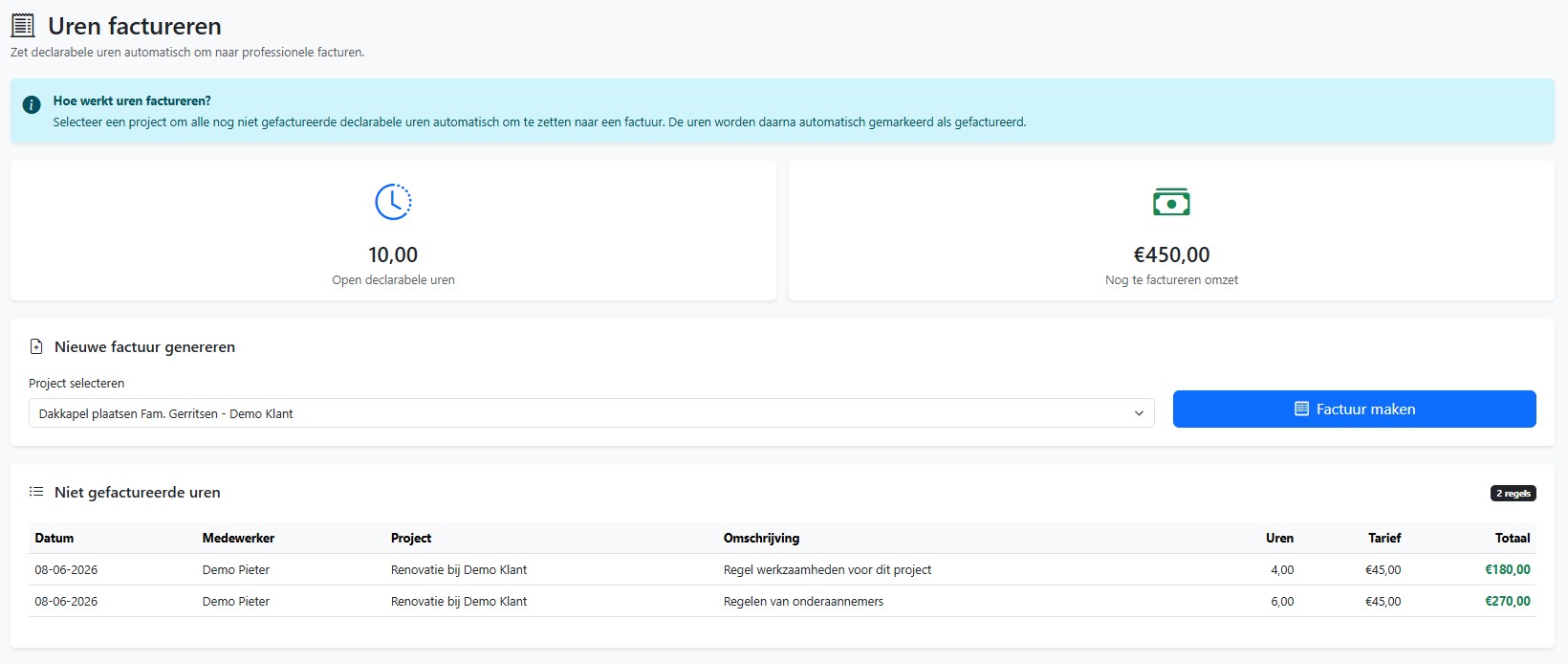
Select the right project.
Log hours worked.
View hour overviews.
Analyze project results.
Always insight into hours worked.
Compare budget and reality.
Improve your project results.
With Rekendesk you easily log hours per team member, project and activity. All hours are automatically linked to your project administration, so you always have insight into costs, progress and job costing.


